

A lot of CTOs are in the same spot right now. Sales data lives in one system, finance trusts another, operations keeps a spreadsheet on the side, and the eCommerce team has its own workflow that nobody wants to touch because every change seems to break something downstream.
The result isn't just technical mess. It's delayed invoicing, duplicate customer records, slow order handling, and teams doing manual reconciliation that should have disappeared years ago. Oracle cloud integration services matter because they address that exact problem. Not as a shiny abstraction, but as a way to connect systems, standardize data movement, and automate the handoffs that usually create friction.
What makes this topic worth a realistic discussion is that integration projects rarely fail because the connector screen looked confusing. They struggle because data models don't line up, legacy processes were never documented, and project owners underestimate the labor required to move from isolated applications to dependable cross-functional workflows. That's where a practical understanding of Oracle Integration Cloud becomes more useful than product marketing.
Navigating the Modern Labyrinth of Disconnected Systems
A mid-sized company often starts with a sensible stack. The sales team uses a CRM. Finance relies on an on-premises ERP. The online store handles orders well enough. Each application solves its own problem.
Then growth turns those isolated wins into operational drag.
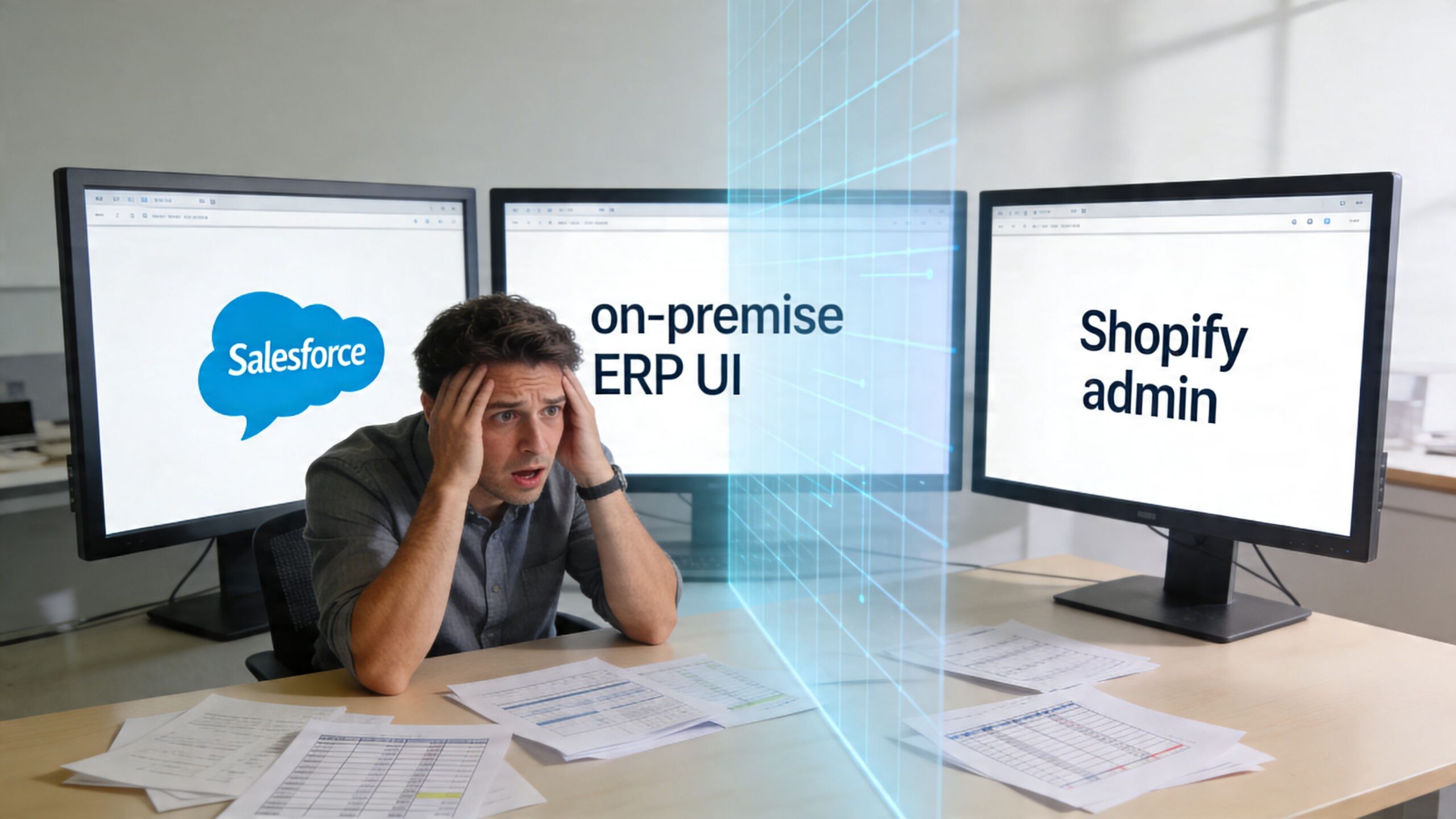
An order comes in through the storefront. A staff member exports it, reformats it, emails finance, then updates customer status in the CRM. If inventory changes in the ERP, the storefront may not reflect it until someone notices. If customer details change in sales, service teams may still work from stale records. This is how silos form. Not because teams are careless, but because the systems were never designed to communicate cleanly.
Oracle cloud integration services give you a central layer that coordinates those interactions. Think of it as the operating system for your business processes. Applications can stay where they are, but the movement of data becomes controlled, visible, and repeatable.
A simple way to frame it is this:
- Without integration: People move data between systems.
- With integration: Workflows move data between systems.
- With good integration: Workflows also validate, transform, and route data correctly.
That difference is what removes manual rekeying and reduces process breaks.
For leaders evaluating platform maturity, Oracle Cloud Integration has clear enterprise traction. Enlyft's Oracle Cloud Integration usage analysis reports that 39% of users are enterprises with over 1,000 employees, 45% have revenues over $1,000M, and 61% of customers are in the United States. That matters because it signals the platform is already being used in large, process-heavy environments where integration reliability isn't optional.
If you're mapping your own current-state architecture, it can also help to review broader examples of business application integrations so your team can identify where data handoffs are currently fragile.
Disconnected systems rarely fail all at once. They fail one manual workaround at a time.
Understanding the Core Architecture of Oracle Integration
Oracle Integration makes more sense when you stop thinking of it as a single product screen and start thinking of it as a managed integration environment with two jobs. First, it gives your team a place to design integrations. Second, it runs those integrations reliably once they're deployed.
That split is built into the platform.
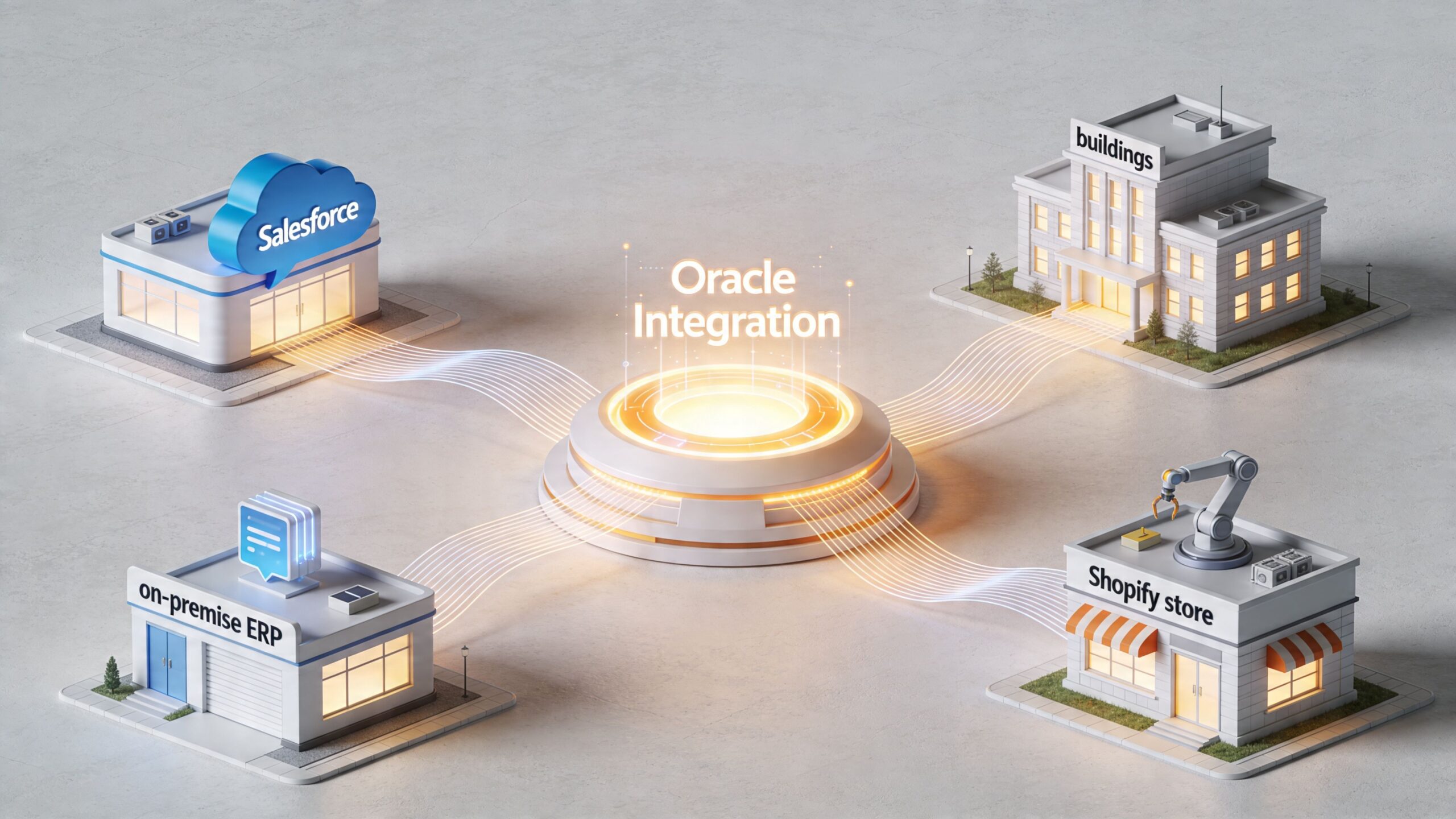
The workshop and the delivery engine
A useful analogy is a universal translator combined with a postal service.
The translator helps different applications understand one another. One system may describe a customer one way, another may split that same customer into billing, shipping, and account entities. Oracle Integration handles the mapping between those models so teams don't have to code every translation from scratch.
The postal service handles delivery. It decides where information goes, what order steps occur in, what happens if a message fails, and how activity gets tracked.
Oracle describes this as a dual-layer PaaS architecture. In the Oracle Integration network flow architecture overview, the Design-time Layer is the ingress-only management interface where teams create and manage integrations, while the Runtime Layer executes those integrations through Oracle's Services Network. A key business implication is that customers don't need to manage underlying IaaS components just to run Oracle Integration.
That changes the operating model for your team. Your architects and developers focus on process design, mappings, security, and exception handling. They don't spend their time provisioning the servers underneath the integration runtime.
What leaders often misunderstand
Many executives hear "managed service" and assume implementation must therefore be simple. It isn't.
Managed infrastructure removes one category of burden. It doesn't remove business complexity. If your order process has ten handoffs, three approval rules, and two legacy dependencies, Oracle Integration won't magically make that design problem disappear. What it does do is give you a structured platform to implement that process without building the plumbing yourself.
In this situation, the design-time and runtime split becomes practical:
- Design-time Layer: Your team builds flows, mappings, connections, and process logic.
- Runtime Layer: Oracle runs those integrations, handles execution, and supports production operation.
- Operational benefit: You get a managed platform model instead of maintaining your own integration servers.
The role of connectivity agents
Cloud-to-cloud integration is only part of the complete picture. Most organizations still have important systems in private networks, legacy environments, or regional infrastructure that can't be exposed directly.
That's where Connectivity Agents matter.
These agents act like secure bridges between Oracle Integration and systems that sit inside your environment. If your finance application, manufacturing database, or internal service can't be accessed publicly, the agent provides the path for integration traffic without forcing you to redesign your whole network model first.
Practical rule: If a critical process still depends on a private or on-premises system, assume your integration design must account for an agent strategy early, not late.
Why this architecture matters to a CTO
For a CTO, the value isn't just technical elegance. It's control over risk.
You want a platform where integration logic is centralized instead of scattered across scripts, one-off APIs, and team-specific middleware. You also want a runtime that can support hybrid architecture without pulling your infrastructure team into every deployment.
Oracle Integration supports that model well when you treat it as a business operations layer, not just a connector library. The architecture is designed to let teams build in one place, run securely at scale, and connect both cloud applications and private systems through a governed approach.
That foundation is what makes the next conversation possible. Not whether systems can connect, but how quickly your team can automate valuable business processes on top of that foundation.
Accelerating Business Processes with Core OIC Features
The fastest way to understand Oracle cloud integration services is to look at the tools that change day-to-day delivery. Not the marketing categories. The actual capabilities your team uses when an integration project lands on the roadmap.
The first is the adapter model. Oracle Integration includes pre-built adapters for many business applications, databases, and enterprise endpoints. That matters because integration work usually slows down at the edges. Authentication, payload structure, endpoint handling, and object mapping all take time when teams must build them manually. A mature adapter library removes a lot of that repetitive setup.
The second is the visual integration experience. Teams can design flows, route data, apply transformations, and orchestrate multi-step processes without hand-coding every movement. That doesn't eliminate the need for architecture discipline, but it does reduce the amount of low-value technical work required to assemble common flows.
Oracle states that Oracle Integration application integration capabilities can reduce project delivery times by up to 60% through AI-driven recommendations and pre-built adapters. The same source notes that enterprise editions are metered at 5,000 messages per hour, which gives technical leaders a concrete starting point for thinking about throughput and workload suitability.
Where the speed actually comes from
Most of the time savings don't come from magic. They come from compression of routine work.
Instead of writing custom boilerplate for every connection, your team configures connections in a governed environment. Instead of rebuilding mapping logic repeatedly, they reuse patterns. Instead of stitching together standalone scripts, they build orchestrated flows with monitoring attached.
That creates business outcomes in three areas:
- Faster project start-up: Teams spend less time setting up basic connectivity.
- Shorter testing cycles: Standardized flows are usually easier to validate than fragmented custom scripts.
- Cleaner operations: Monitoring is part of the platform, not an afterthought.
Features that matter in practice
Here are the capabilities that usually drive the most visible business value:
- Pre-built adapters: These reduce connector setup effort and help teams reach useful testing sooner.
- Visual flow design: Architects can model process logic in a way business stakeholders can review.
- Transformation tools: Data can be reshaped between systems without building custom parsing utilities for every step.
- Process orchestration: Multi-step workflows can include validations, routing rules, and exception paths.
- Monitoring dashboards: Teams can track requests, processing behavior, and runtime health in one environment.
A common source of confusion during implementation is data quality. Integration platforms move data well, but they don't fix malformed payloads by themselves. If your team is troubleshooting malformed request bodies or broken field structures, it's worth understanding common JSON parse errors because many runtime failures begin with bad payload assumptions, not platform defects.
Why lower development effort doesn't mean low effort
Here, experienced leaders keep expectations grounded.
A visual builder can speed up delivery. It doesn't define your canonical data model for you. Pre-built adapters help with connectivity. They don't resolve conflicting business rules between finance and sales. Automation reduces repetitive work. It also exposes process inconsistencies that people previously handled manually.
The real productivity gain comes when you standardize process decisions before you automate them.
That distinction matters for budgeting. If you only budget for connector configuration, your project plan will be wrong. If you budget for mapping, validation, testing, exception handling, and operational ownership, Oracle Integration becomes much easier to deploy successfully.
The strongest implementations usually treat OIC features as force multipliers for good design. Teams that do that move faster without creating a new layer of unmanaged complexity.
Choosing the Right Integration Pattern for Your Needs
Integration projects go off track when teams choose the wrong interaction model. They use a real-time call for a process that should be asynchronous. Or they schedule a batch job where the business needs event-driven updates. Oracle Integration supports four core patterns, and choosing the right one is often the difference between a stable design and a support burden.
According to a technical overview of Oracle Integration architecture, pricing, and use cases, OIC supports request/response, fire-and-forget, scheduled polling, and event-driven patterns. The same source notes support for OAuth 2.0 via OCI IAM, which is important when your integrations consume secured REST services.
Request and response
Use this pattern when a system needs an immediate answer before it can continue.
A common business example is order validation. A portal submits a request to check whether a customer record exists, whether account status is valid, or whether a shipping rule applies. The calling application waits for the answer, then decides what to do next.
This pattern works best when the response is necessary for the user or application to proceed. It shouldn't be the default for every process, because it ties the caller to the speed and availability of the downstream system.
Fire and forget
This pattern is better when the source system only needs to send information and move on.
Think of a sales application sending a completed order to downstream operations. The sending system doesn't need every fulfillment step to finish immediately. It just needs confidence that the message was accepted for processing.
That reduces user-facing delay and decouples the source process from slower backend activities.
If the business process doesn't require an immediate answer, don't force one. Synchronous design is often where avoidable latency starts.
Scheduled polling
Some integrations are best handled on a timed basis. Not every business process needs instant updates.
A finance team may want periodic synchronization of invoices, ledger entries, or approved transactions from one system to another. A batch approach can be easier to govern, easier to reconcile, and more appropriate for workloads that don't justify constant event processing.
Scheduled polling is also useful when the source system isn't designed to emit events reliably.
Event-driven
This is the pattern for immediate reaction when a business event occurs.
If a shipment status changes, a service case opens, or a new customer record is approved, the event can trigger a downstream flow automatically. This supports more responsive operations and reduces the lag that comes from waiting for a batch cycle.
Event-driven integration is attractive, but it also requires discipline. Teams must define what counts as a true business event, how duplicates are handled, and what happens when a downstream step fails.
For teams that want a broader conceptual view, this guide to integration design patterns is a useful companion when mapping business workflows to architecture choices.
Oracle Integration Patterns Compared
| Pattern | Best For | Data Flow | Example Use Case |
|---|---|---|---|
| Request/Response | Real-time decisions | Immediate two-way exchange | Validate account details during order entry |
| Fire-and-Forget | Asynchronous updates | One-way submission for later processing | Send order data to fulfillment after checkout |
| Scheduled Polling | Periodic synchronization | Time-based batch retrieval and update | Sync approved finance records on a schedule |
| Event-Driven | Reactive business automation | Triggered by system or business events | Launch downstream workflow when a case is created |
A simple decision filter
Ask three questions before choosing the pattern:
- Does the initiating system need an immediate answer? If yes, request/response may fit.
- Can the process complete later without affecting the user? If yes, fire-and-forget may be cleaner.
- Is the source event-based or schedule-based? That usually tells you whether to use event-driven or polling.
Architects who answer those questions early prevent a lot of redesign later. The pattern isn't just a technical preference. It shapes user experience, support complexity, and operational resilience.
A Realistic Roadmap for OIC Implementation and Migration
The hardest part of most integration projects isn't the first demo. It's the period after approval, when your team starts finding all the exceptions that weren't visible in the business case.
Oracle's own ecosystem acknowledges the challenge. In Oracle's discussion of cloud application integration, prebuilt integrations are positioned as a simplifier, but many businesses still face implementation delays and upgrade issues when connecting existing systems to the cloud. That gap is especially important for teams moving from on-premises environments with years of embedded business logic.
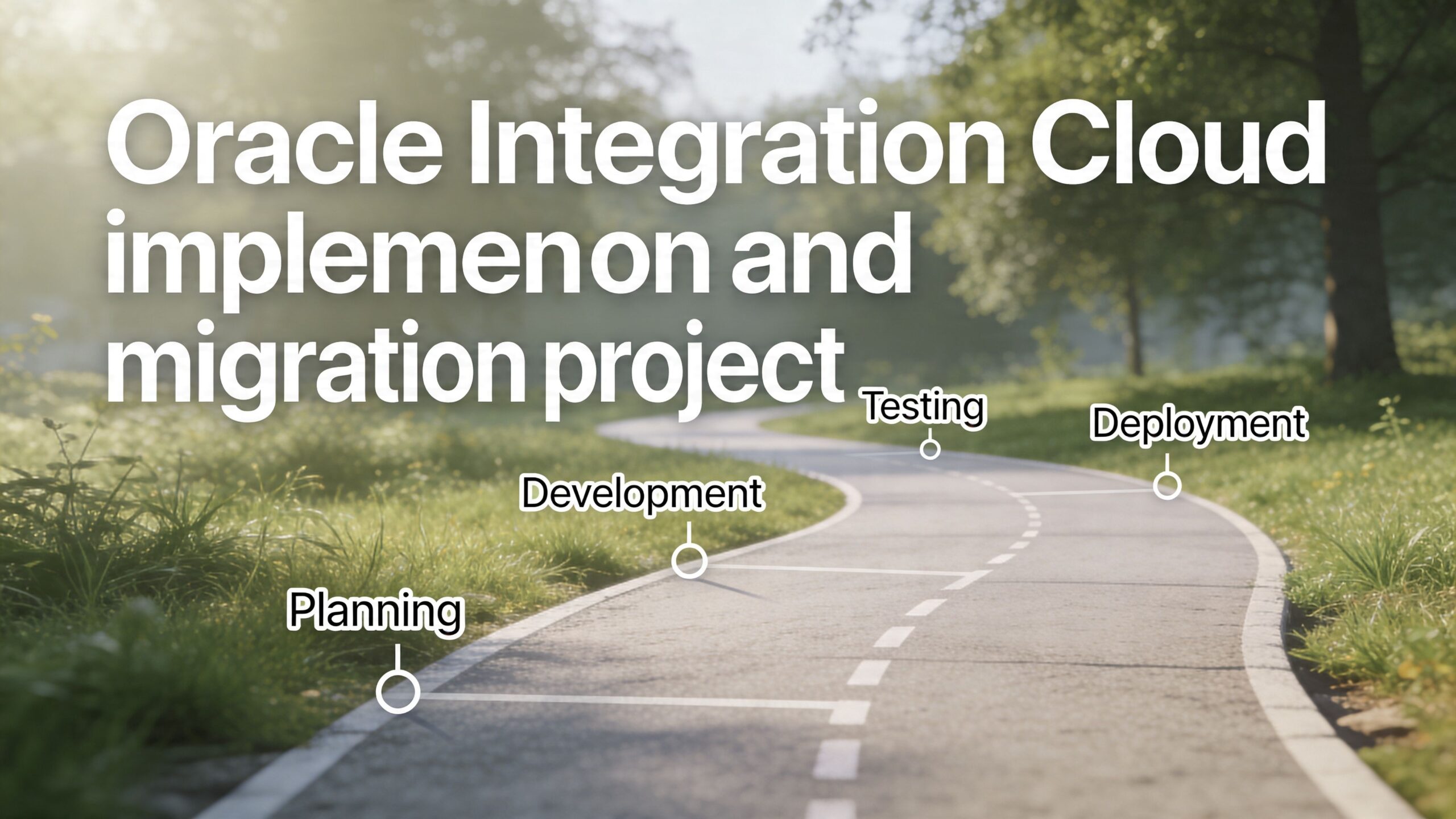
Phase one with assessment and strategy
Start with system reality, not org-chart assumptions.
List every integration point that matters to the target process. Then identify the system of record for each data object. Customer, order, invoice, product, employee, approval status. If two systems both claim authority over the same field, your project has a governance issue before it has a technical issue.
During this phase, teams should focus on:
- Process mapping: Document how work moves today, including manual workarounds.
- Data mapping: Define how fields align, where transformations are required, and where data quality is weak.
- Dependency review: Identify private endpoints, legacy protocols, approval steps, and operational constraints.
- Success criteria: Decide what business outcome the integration must improve.
A helpful planning companion is this overview of the benefits of cloud migration, especially when your team is aligning integration work with a broader modernization effort.
Phase two with phased implementation
Don't begin with the most politically sensitive or technically tangled integration in the company.
Start with a process that is important, visible, and constrained enough to deliver a clear result. Good early targets often include customer sync, order handoff, or approval routing where the business pain is obvious and the exception volume is manageable.
A phased approach works because it lets your team validate key assumptions early:
- Connectivity assumptions: Can every required system be reached securely?
- Mapping assumptions: Do the source and target structures align as expected?
- Operational assumptions: Who owns failures, retries, and monitoring after go-live?
Phase three with rigorous testing and validation
This is the phase organizations rush, then regret.
Unit testing checks whether each integration behaves as designed. System testing checks whether connected applications exchange data correctly. User acceptance testing checks whether the end-to-end business process still makes sense to the people who run it.
Watch for this: Many integration failures are really exception-handling failures. The happy path worked. The returns process, partial shipment, reapproval loop, or duplicate update did not.
Test with realistic edge cases. Invalid records. Missing fields. Timing conflicts. Delayed responses. Reprocessed messages. If your migration includes historical data movement, validate what happens when old records don't fit current rules cleanly.
Phase four with go-live and optimization
Go-live isn't the finish line. It's the point where real operating conditions begin.
Your team needs dashboards, alert ownership, support procedures, and a plan for tuning. Runtime monitoring matters because once the integration is live, you'll learn which steps are slow, which transformations are fragile, and which business assumptions were incomplete.
This phase usually includes:
- Operational handoff: Define who responds when an integration fails.
- Performance review: Identify slow-running flows and improve them.
- Change management: Train support teams and business users on the new process behavior.
- Continuous refinement: Retire manual workarounds that should no longer exist.
The biggest mistake I see is treating migration as a technical porting exercise. In practice, it's a business redesign exercise wrapped in technical work. Teams that respect that reality usually make better decisions about sequencing, staffing, and risk.
Navigating Security, Compliance, and Total Cost of Ownership
Security and cost become much easier to discuss once the integration design is clear. Before that, teams often talk in generalities. After that, the questions get specific. Who can access design tools? Where does data move? How are secrets managed? What labor do we need to keep this stable?
Security and compliance in operational terms
In Oracle Integration, security isn't just a login screen. It sits inside the architecture and operating model. Authentication for management access is handled through Oracle identity controls in the design environment, while runtime activity is supported by platform services for logging, monitoring, and protected secret handling.
For CTOs, the practical concern is governance. You need role separation between builders, reviewers, and operators. You need clear ownership of credentials and keys. You also need to know where workloads run and whether regional deployment choices align with your data residency or internal compliance requirements.
Governance discipline matters more than policy documents. Teams can strengthen oversight by aligning integration ownership with broader cloud control practices, and this guide to governance in the cloud is a useful reference point for that discussion.
The three layers of total cost of ownership
Licensing is only one part of OIC cost. The bigger budgeting mistakes usually happen outside the subscription line item.
Here is the TCO model I recommend using.
- Licensing costs: These are the visible platform charges tied to the service tier and usage model. They are straightforward compared with the rest.
- Implementation labor: This includes architecture, mapping, security setup, testing, exception design, deployment planning, and business coordination.
- Ongoing management: This covers monitoring, change requests, troubleshooting, release handling, and support ownership after production launch.
The hidden cost center is almost always the middle layer. If your systems use inconsistent master data, require custom business rules, or rely on undocumented workflows, implementation labor expands quickly.
Where budgets usually slip
TCO rises when leaders assume adapter availability equals low-effort integration.
That assumption misses several common realities:
- Data model mismatch: Two systems may connect technically while disagreeing on what a customer, order, or invoice is.
- Custom business rules: Approval paths, regional exceptions, and finance controls often require logic beyond standard connector setup.
- Skill concentration: A small number of specialists may become the only people who understand production behavior.
- Support overhead: Once integrations are mission-critical, failure response becomes an operational function, not a side task.
A reliable TCO estimate should ask four direct questions:
| Cost Area | Key Question |
|---|---|
| Licensing | What service level and throughput model does the workload require? |
| Delivery | How much architecture, mapping, and testing effort is needed? |
| Support | Who monitors, troubleshoots, and updates integrations after launch? |
| Change | How often will process changes force integration redesign? |
The best financial outcome doesn't always come from doing everything in-house. For many organizations, especially those balancing modernization with limited senior integration talent, a blended model of internal ownership and external delivery support is more predictable than hiring reactively after the project has already become urgent.
Accelerate Your Integration Strategy with a Trusted Partner
Oracle cloud integration services can do a lot. They can connect cloud and on-premises systems, reduce manual work, and create a more reliable operating model for sales, finance, service, and operations. But none of that happens automatically because the platform exists.
The hard part is execution.
A successful integration program depends on architectural judgment, phased delivery, realistic testing, and steady post-go-live operations. It also depends on having people who can translate business rules into durable integration logic without turning the platform into another layer of technical debt.
Where outside support changes the outcome
Many organizations don't need a permanent large internal integration team. They need the right skills at the right time.
That usually falls into three categories:
- End-to-end implementation support: This helps teams design the target state, map data flows, build integrations, test rigorously, and launch with fewer surprises.
- Managed operational support: This gives the business a dependable model for monitoring, incident response, and continuous improvement once integrations are in production.
- Staff augmentation: This fills short-term or specialist gaps when internal teams understand the business but don't have enough Oracle Integration capacity.
A good partner also improves communication speed. That's one reason using an outsourcing partner from the USA can be a strong advantage. Shared business context, easier scheduling, faster escalation, and better alignment with US operating expectations reduce the friction that often slows integration work.
Why a US-based outsourcing partner matters
Timezone overlap sounds like a convenience until a production flow fails during a financial close or an order interface breaks during peak trading hours. Then it becomes a business requirement.
A US-based outsourcing partner can help in ways that are easy to underestimate:
- Faster issue resolution: Teams can collaborate during normal business hours instead of waiting overnight for clarification.
- Clearer stakeholder communication: Workshops with finance, operations, compliance, and engineering are easier to run when schedules overlap.
- Stronger business alignment: Process discussions are more effective when the delivery team understands local operating expectations and escalation norms.
- Better continuity: Support, optimization, and change planning are easier when the same partner can stay involved beyond initial implementation.
That doesn't remove the need for strong internal ownership. It does make it easier to execute with less friction and less organizational drag.
The right support model should leave you with cleaner architecture, better documentation, stronger support procedures, and fewer heroics. That's what mature integration delivery looks like. Not just connected systems, but reliable business operations built on top of them.
If you're planning, repairing, or scaling Oracle integration initiatives, NineArchs LLC can help with implementation, managed services, and specialized talent support. Working with a USA-based outsourcing partner can simplify communication, speed up delivery, and improve operational follow-through. Ready to build a connected enterprise? Contact the team at (310)800-1398 / (949) 861-1804 or email info@ninearchs.com.